Computers Respond to Inputs
Students learn that computers follow instructions and respond to commands in predictable ways.
Free and open educational curriculum
A free, open curriculum that teaches kids ages 8–12 how computers actually work.
Many children know how to use apps but not how computers and the internet actually function. This curriculum teaches those ideas through hands-on activities that help students explore, question, and create with technology.
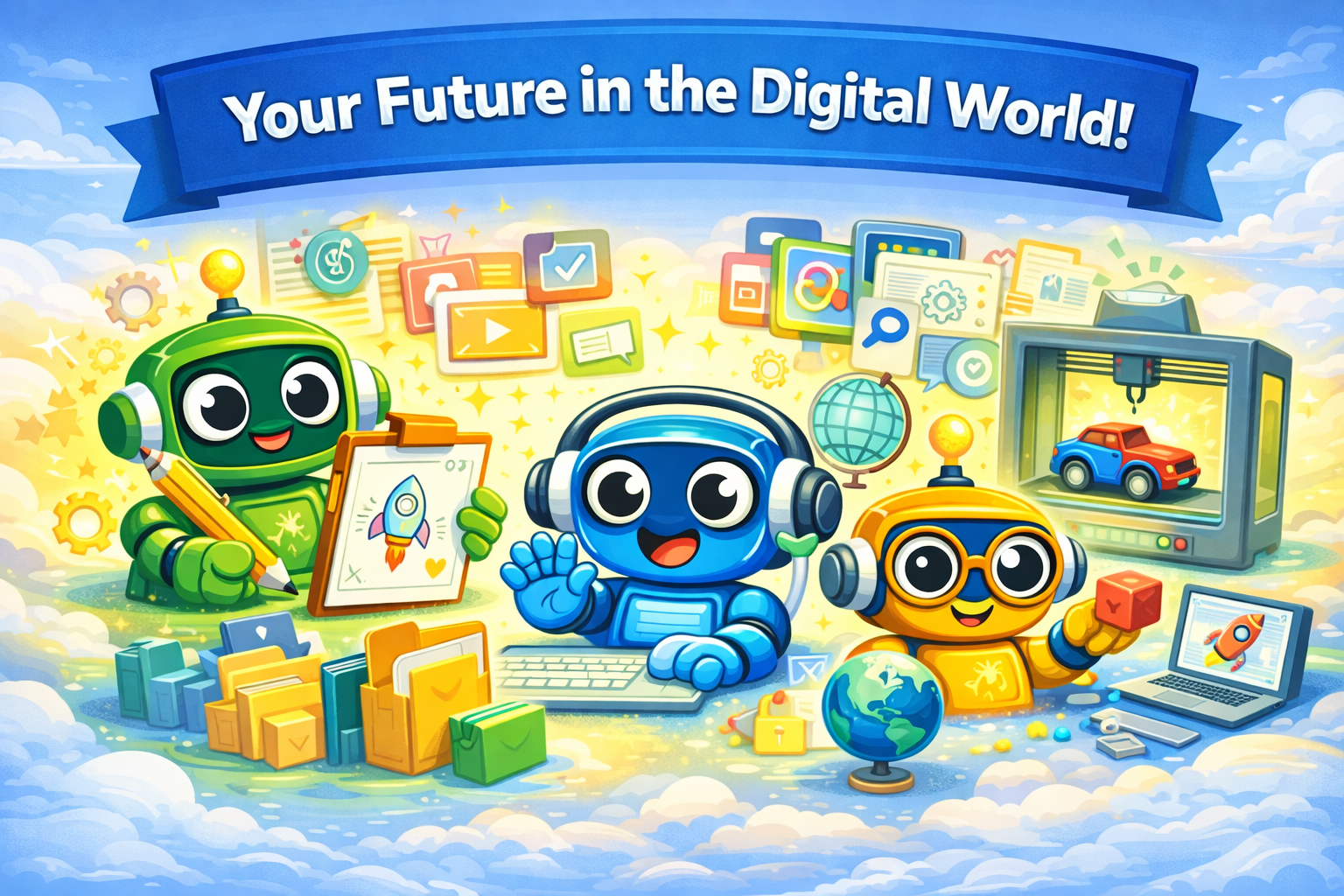
Computer Literacy for Kids is designed to help educators, families, and facilitators move beyond basic device use and into deeper understanding. Built for ages 8–12, this 18-week curriculum works in classrooms, homeschool settings, libraries, and after-school programs. Students learn how computers respond, how digital work is stored, how online systems shape what they see, and how to use technology for creation instead of passive consumption.
The curriculum is organized around a set of mental models that help students understand computers and the internet in practical, durable ways.
Students learn that computers follow instructions and respond to commands in predictable ways.
Students see how files and folders store work so it can be saved, organized, and revisited later.
Students connect online communication to real people and practice digital citizenship as they learn.
Students explore how search engines and recommendation systems shape what they find online.
Students use computers as tools for building, writing, drawing, coding, and making things of their own.
This curriculum is part of Literacy for Kids, a collection of open-source curricula designed to help children ages 8–12 understand the systems that shape the modern world.
Each curriculum explores a foundational literacy:
Thinking clearly and evaluating choices.
Visit curriculumUnderstanding technology and how computers work.
Visit curriculumUnderstanding information systems and evaluating sources.
Visit curriculumUnderstanding money and financial decisions.
Visit curriculumUnderstanding governance and communities.
Visit curriculumThe learning progression moves from digital foundations into communication and information literacy, coding, systems thinking, and a final creative project.
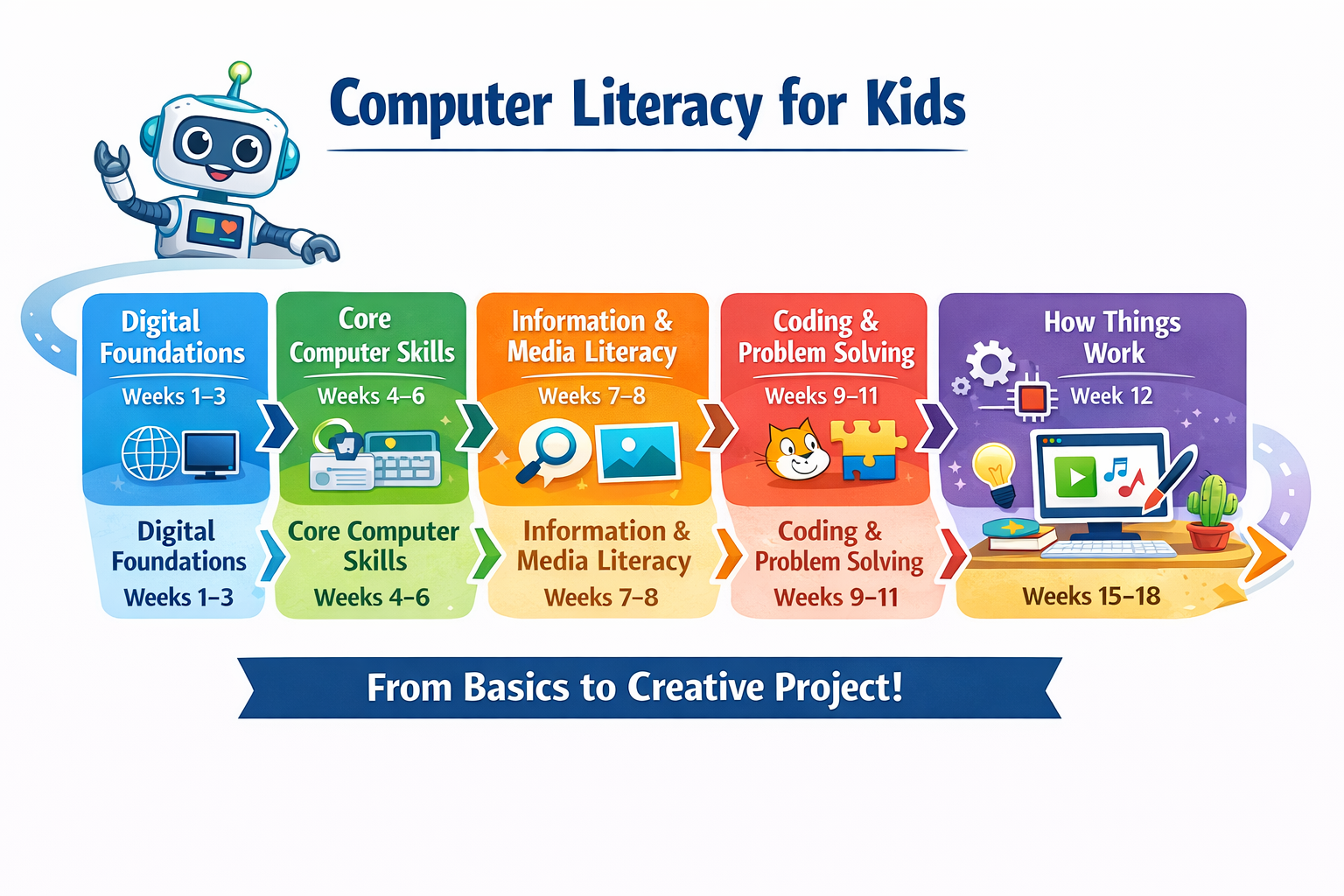
Weeks 1-4
Internet literacy, systems thinking, files, typing
Weeks 5-8
Text, images, search strategy, Wikipedia, and source awareness
Weeks 9-11
Algorithms, Scratch programming, debugging
Weeks 12-14
How digital systems work and introduction to AI
Weeks 15-18
Students build their own digital artifact
Begin with Week 1 and give students a clearer understanding of how computers, the internet, and digital tools actually work.
Found a mistake or have a suggestion? Open an issue on GitHub.
Version 2.0
This curriculum is an open project and will continue to improve as teachers and families use it.